Wholesale Products
2 products in the catalogue
Browsing the product catalogue
This is the shared product catalogue. Every product here has its own page collecting the suppliers who stock it, so you compare offers for one product side by side instead of hunting through separate supplier price lists.
One entry per product, not per variant
Catalogue entries are deliberately broad: one entry for a model, not one for every colour, capacity or pack size. Suppliers list their own stock against it in their own words, and the product page shows each supplier's exact wording under the product. That is why a single product page can show offers whose titles do not read identically - they are different suppliers describing the same thing.
Searching
The search box matches the product name or its barcode (EAN or UPC), and partial text works for both. If you have a barcode from a supplier's price list, pasting it here is the fastest way to find the right entry.
Filters
- Brand - the brand on the product.
- Series - a product line within a brand, where the brand groups its products that way (for example a laptop range).
- Manufacturer - the company behind the brand, useful when one manufacturer owns several brands.
- Country - the manufacturer's country, which is where the product comes from, not where a supplier ships it from.
Filters combine, and every dropdown only offers values that exist in the results you are looking at. Each one is worked out ignoring its own current selection, so you can always swap a brand or a country without clearing everything first. Use Clear filters to start over. Filters live in the page address, so a filtered view can be bookmarked or shared.
The category chips
The row of chips under the filters narrows the catalogue by product category. The number on each chip counts everything in that category including everything beneath it, so a broad chip like Electronics also brings in its sub-categories. Only categories that hold products of their own are listed. Choosing a chip keeps your other filters, and All types clears just the category.
Reading the cards
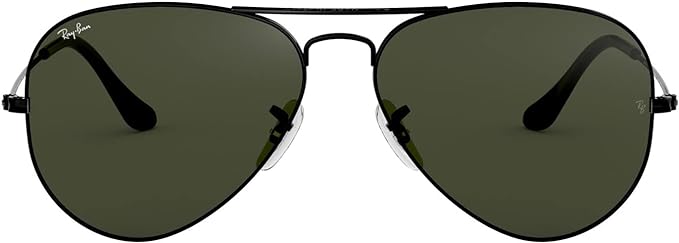
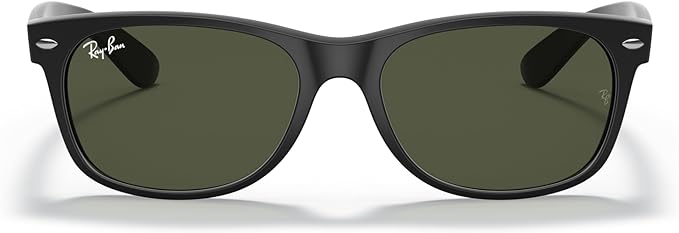
Products are listed alphabetically, 48 per page. Each card shows the image, the product name, its brand, the categories it belongs to, the barcode, and a green supplier count. That count is the number of distinct companies with matching stock on the platform, and it is shown to everyone, whether or not you are a member.
What is on a product page
Open a product to see its details plus every supplier, arranged in folders: Wholesale Suppliers, Retailers, Online Retailers and WTBs (buyers looking to purchase it). Wholesale supplier names and prices are part of the Pro membership: without Pro you still see how many wholesale suppliers stock the product, but not who they are or what they charge. Retail and online retail suppliers are open to everyone. Each folder has its own Help button explaining it in detail.
Cannot find a product?
The catalogue is curated, so it grows as products are added rather than filling up automatically from supplier stock files. Try the barcode, then the model number, then a shorter name (search "latitude 5420" rather than the full spec line). If it genuinely is not here and you want to sell it, add it yourself: selling on Wholesale Managers is free once your company is confirmed, and you can create the product and list your stock against it from your account.